
Time Blocking Template
Time blocking means giving every part of your day a job: deep work from 9 to 11, email at 11, errands after lunch. These printable templates make it easy — daily planners in 15- or 30-minute rows, a weekly grid, a planned-vs-actual sheet to see where time really goes, and an Excel planner that adds up the hours you gave each area of your life.
- Instant download
- Editable Word & Excel
- Print-ready PDF
- 7-day refund
6 files · PDF, DOCX, XLSX
Time Blocking Planner Pack
Printable daily (15- and 30-minute) and weekly time-block planners, a planned vs actual sheet, a weekly review page and an Excel time-block planner with hours per category.
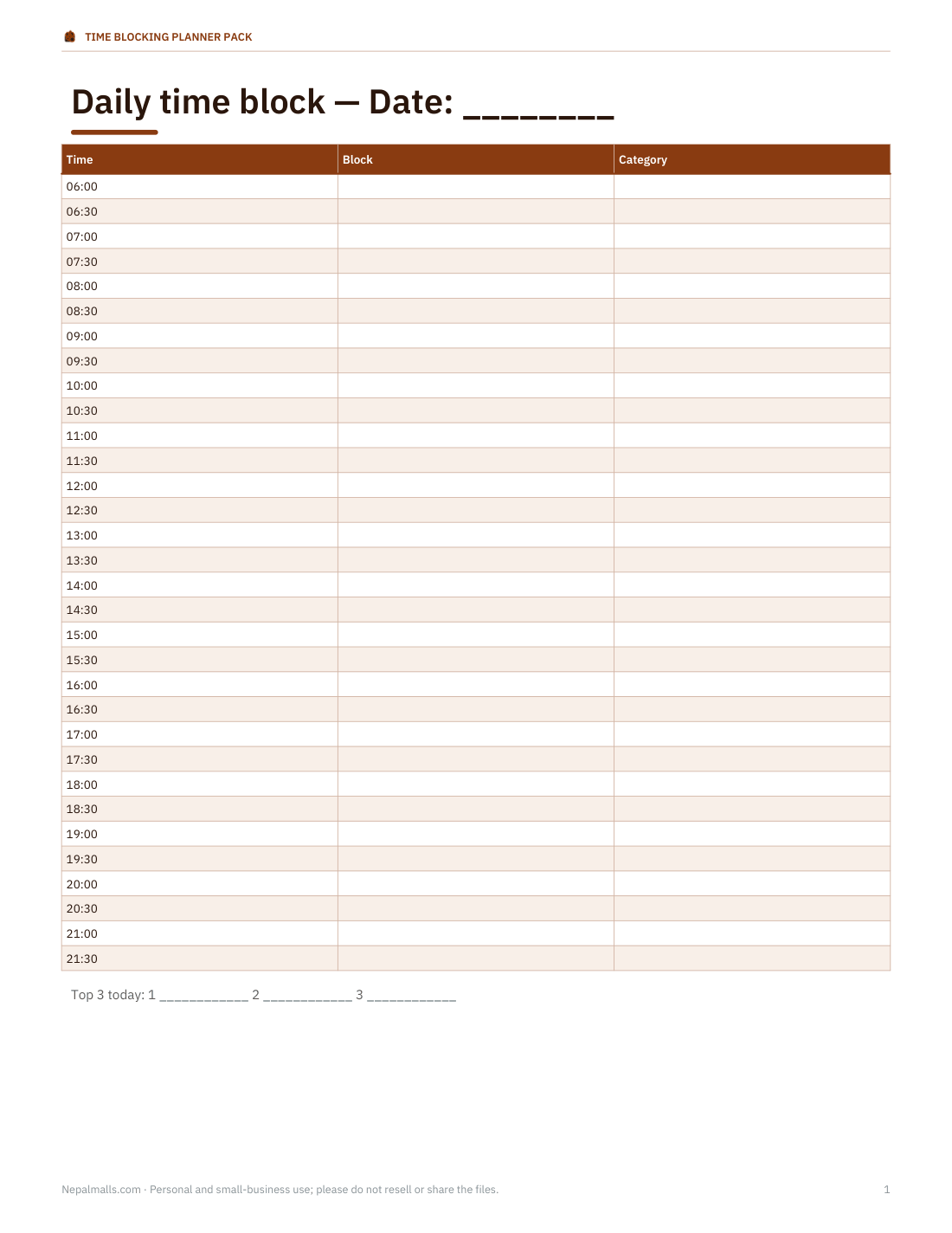
- Daily 30-min (PDF/DOCX)
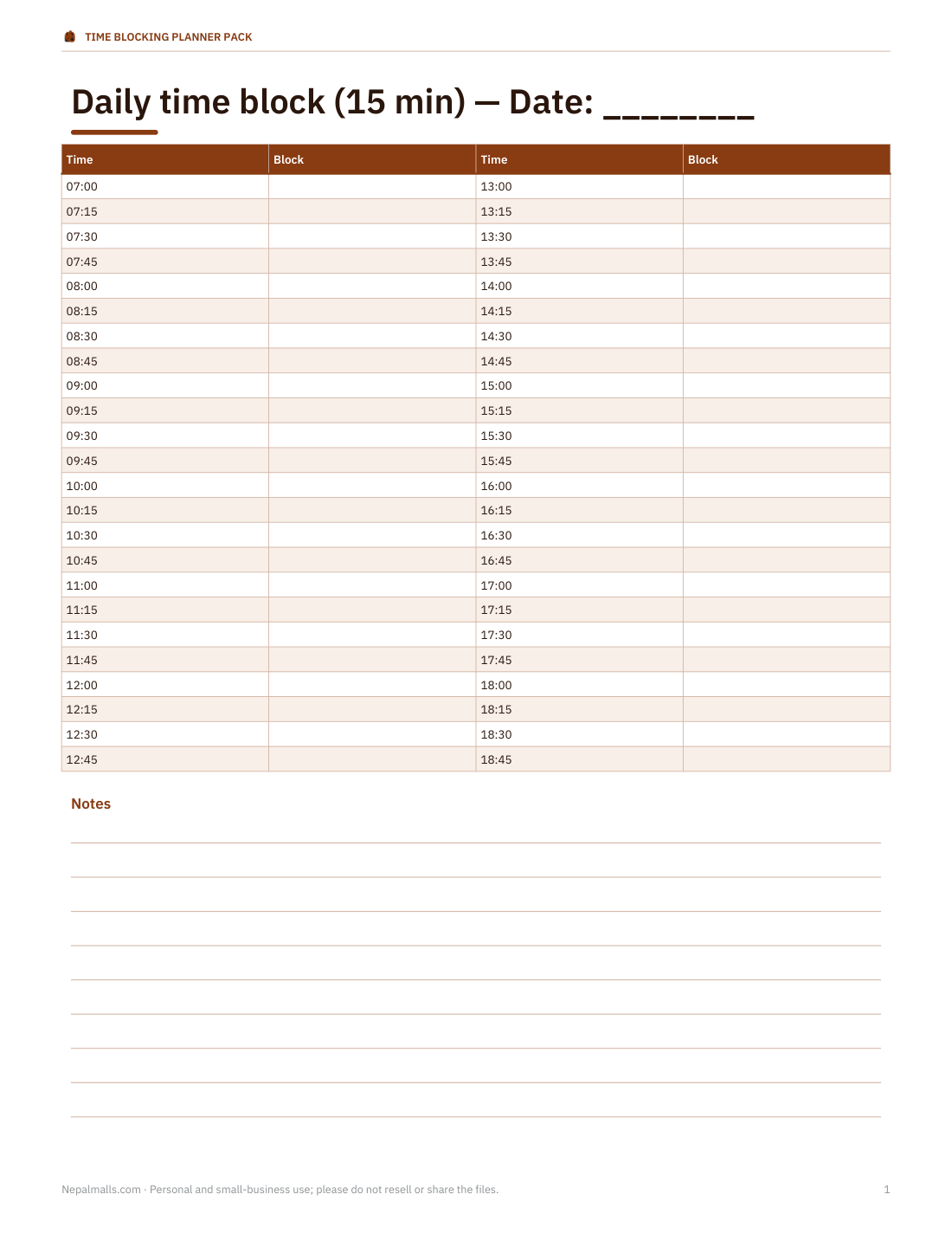
- Daily 15-min (PDF/DOCX)
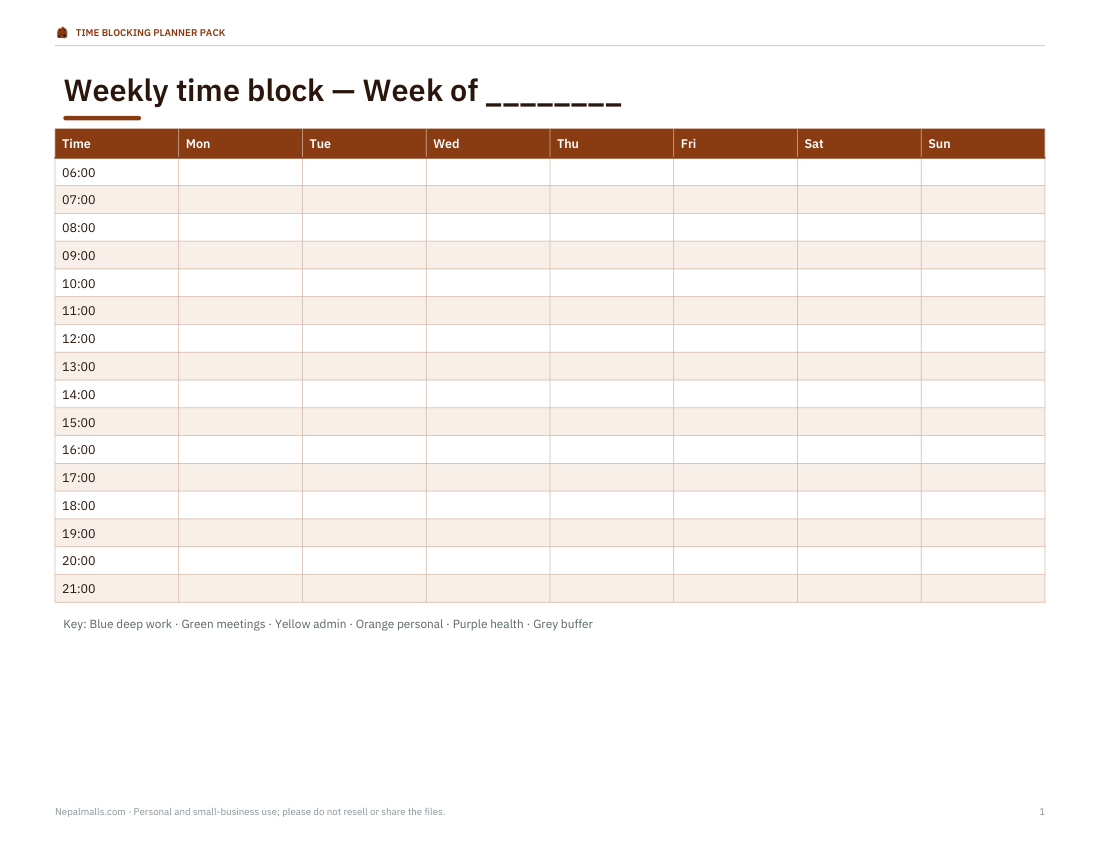
- Weekly grid (PDF/DOCX)
- + 3 more
$5.00 USD, one-time 6 files · about $0.83 each
- Instant download
- 7-day refund
- Secure checkout by Stripe
7-day money-back guarantee. Full refund within 7 days of purchase, even after you download.
Free sample: Daily Time Block 30min (PDF, 56 KB)
Time Blocking Planner Pack
Printable daily (15- and 30-minute) and weekly time-block planners, a planned vs actual sheet, a weekly review page and an Excel time-block planner with hours per category.
- Daily 30-min (PDF/DOCX)
- Daily 15-min (PDF/DOCX)
- Weekly grid (PDF/DOCX)
- Planned vs actual (PDF/DOCX)
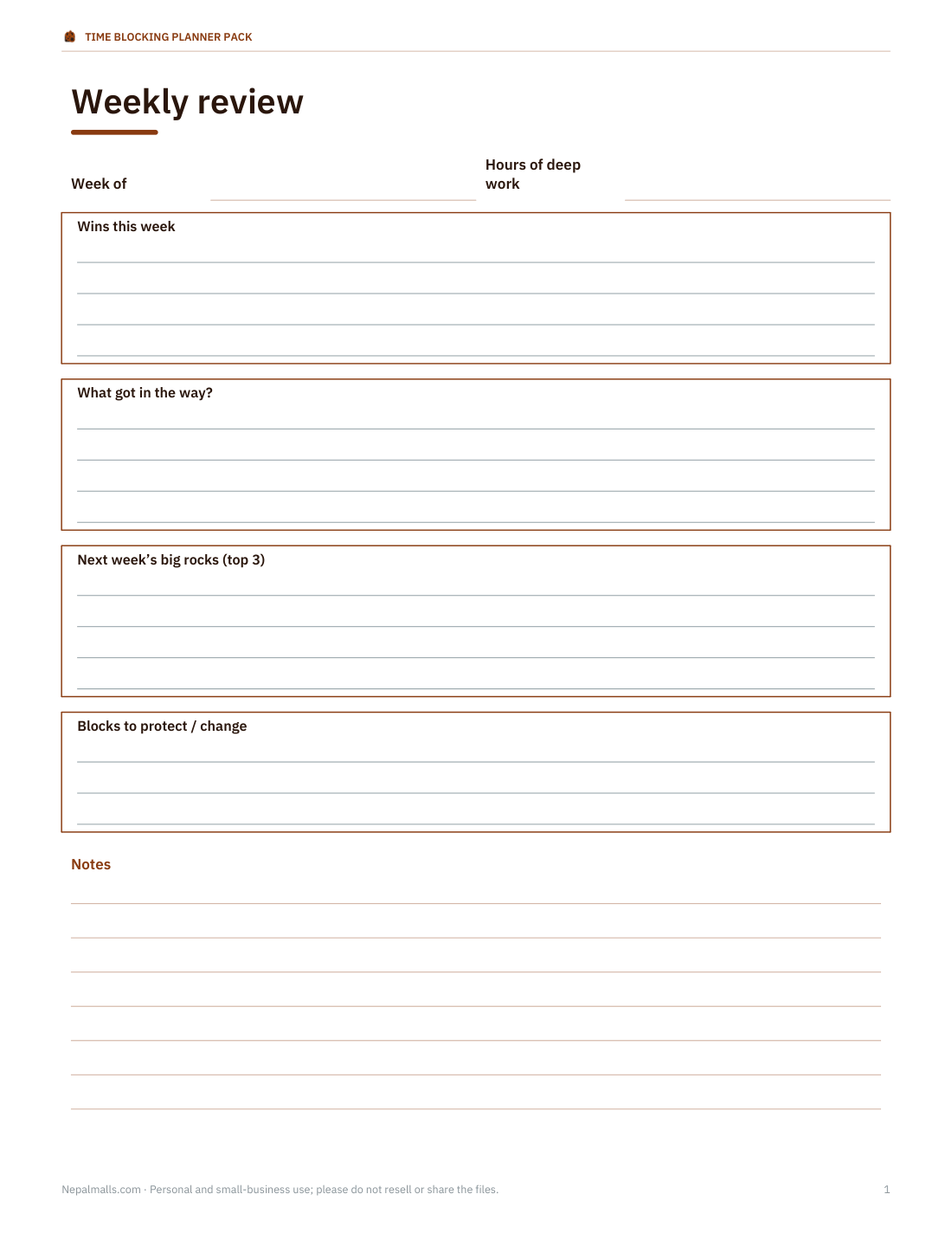
- Weekly review (PDF/DOCX)
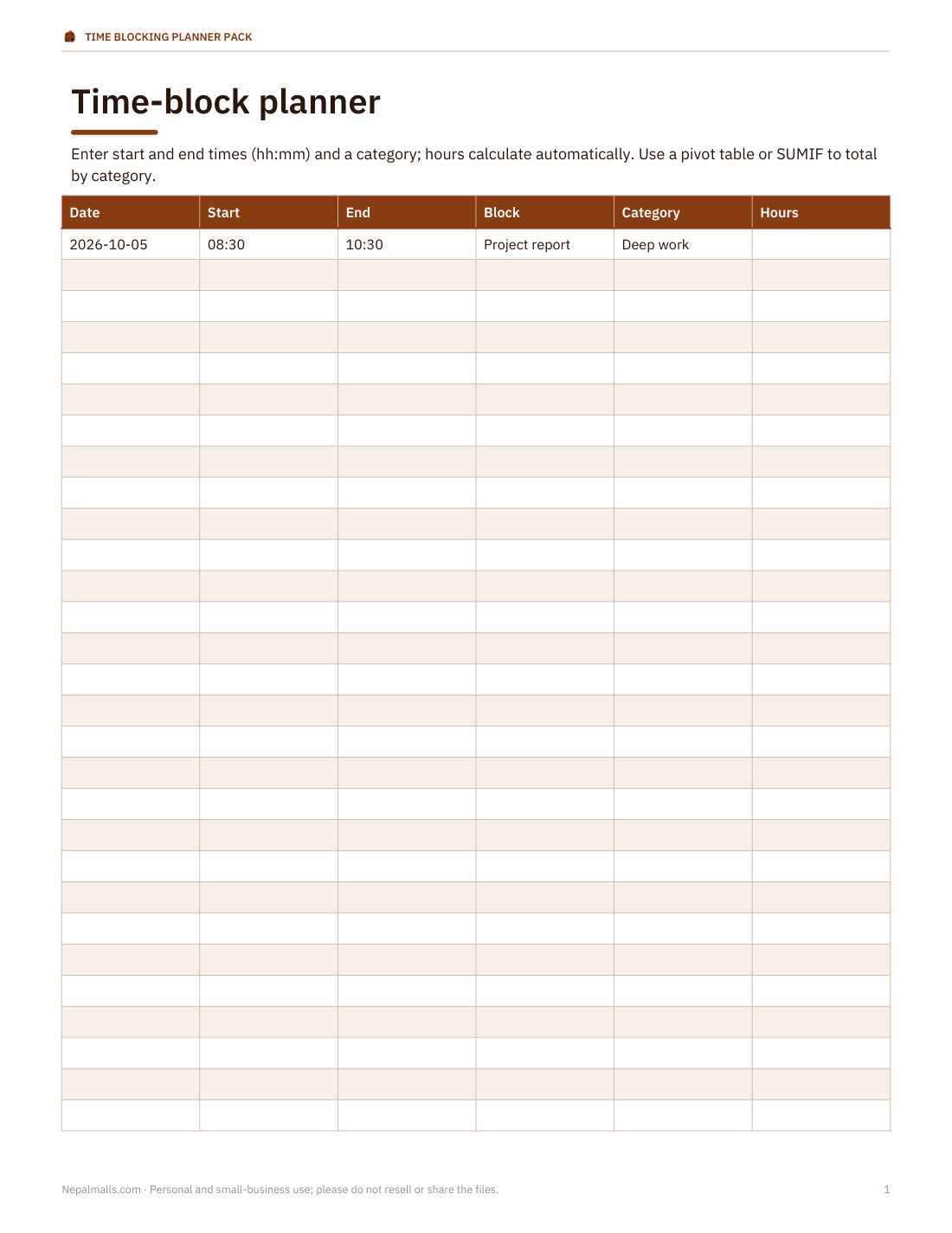
- Excel planner (XLSX)
Formats: PDF, DOCX, XLSX. Instant download after payment (link valid 72 hours, up to 5 downloads). AI-assisted: the templates were drafted with AI help and reviewed and laid out before publishing.
$5.00 USD, one-time 6 files · about $0.83 each
- Instant download
- 7-day refund
- Secure checkout by Stripe
7-day money-back guarantee. Full refund within 7 days of purchase, even after you download.
Free sample: Daily Time Block 30min (PDF, 56 KB)
Full refund within 7 days — see the refund policy and license.
Free printables
Single sheets you can print right now, no sign-up. The full pack adds every sheet in one download plus the editable files.
 Daily 30-Minute Time Block Sheet1 page · free PDF
 Printable Daily Time Blocking Template1 page · free PDF
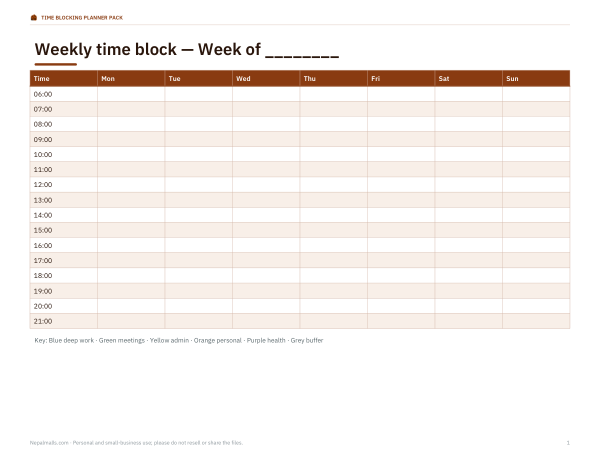 Printable Weekly Time Block Grid1 page · free PDF
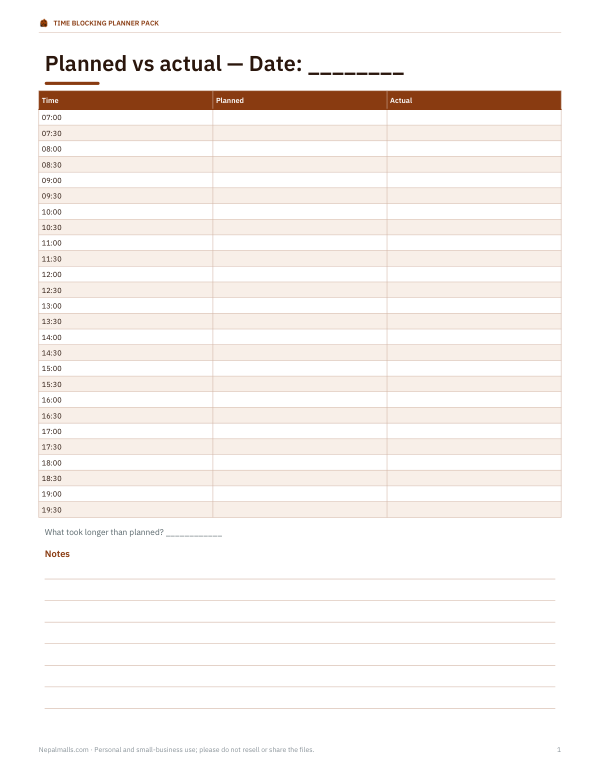 Printable Planned vs Actual Time Blocking Sheet1 page · free PDF
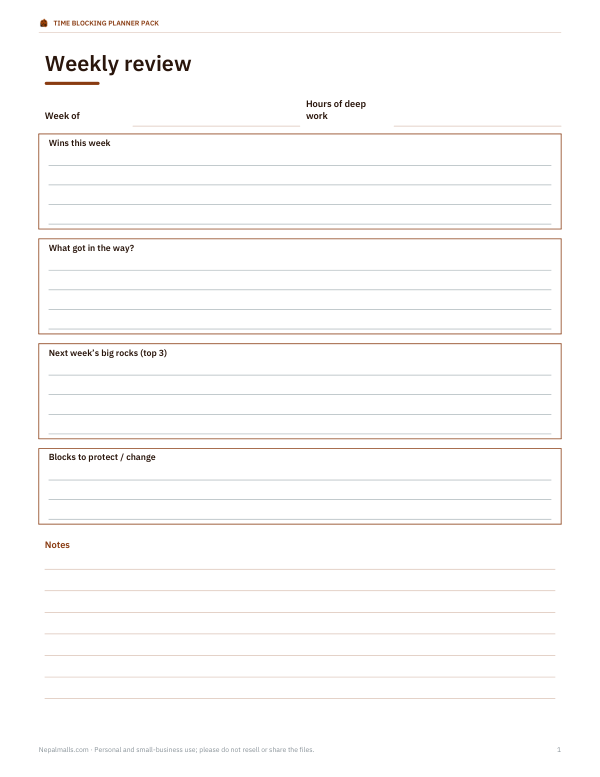 Printable Weekly Review Template1 page · free PDF
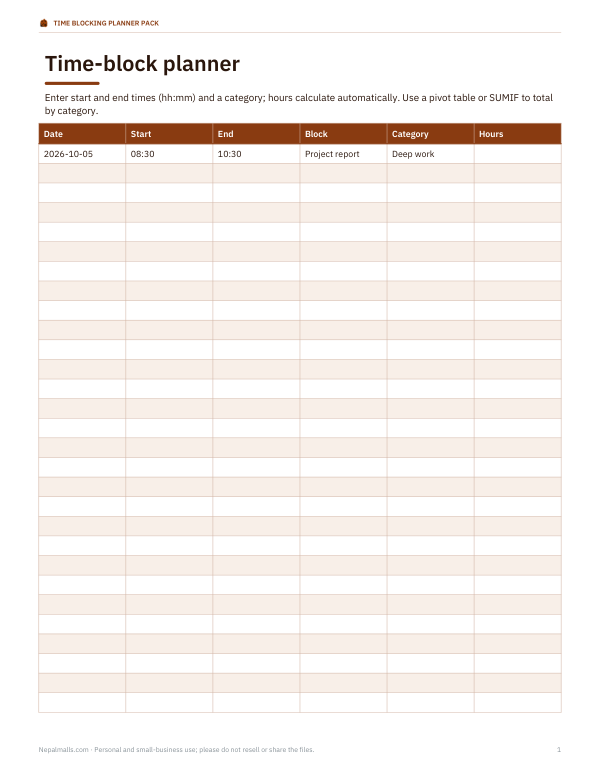 Time Blocking Planner Template5 pages · free PDF
Templates in the pack
| Template | Layout | Best for |
|---|---|---|
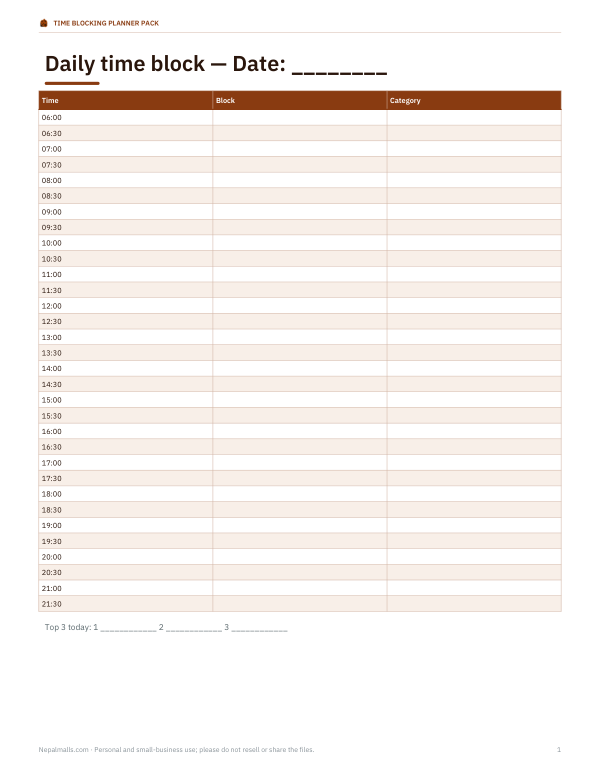
| Daily time block — 30 min | 6 am to 10 pm in half-hour rows, with top-3 priorities | Most workdays |
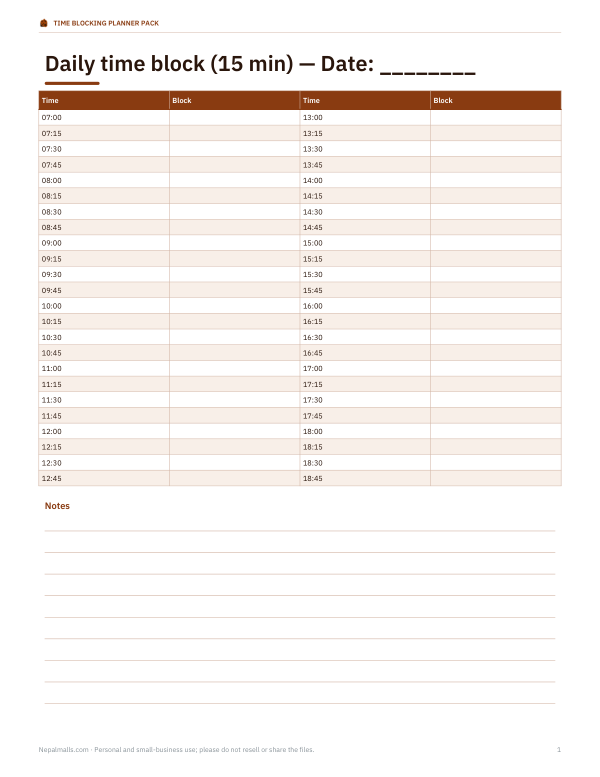
| Daily time block — 15 min | Quarter-hour rows, 7 am to 7 pm | Meetings-heavy days, fine control |
| Weekly time block | Seven columns, hourly rows | Seeing the whole week |
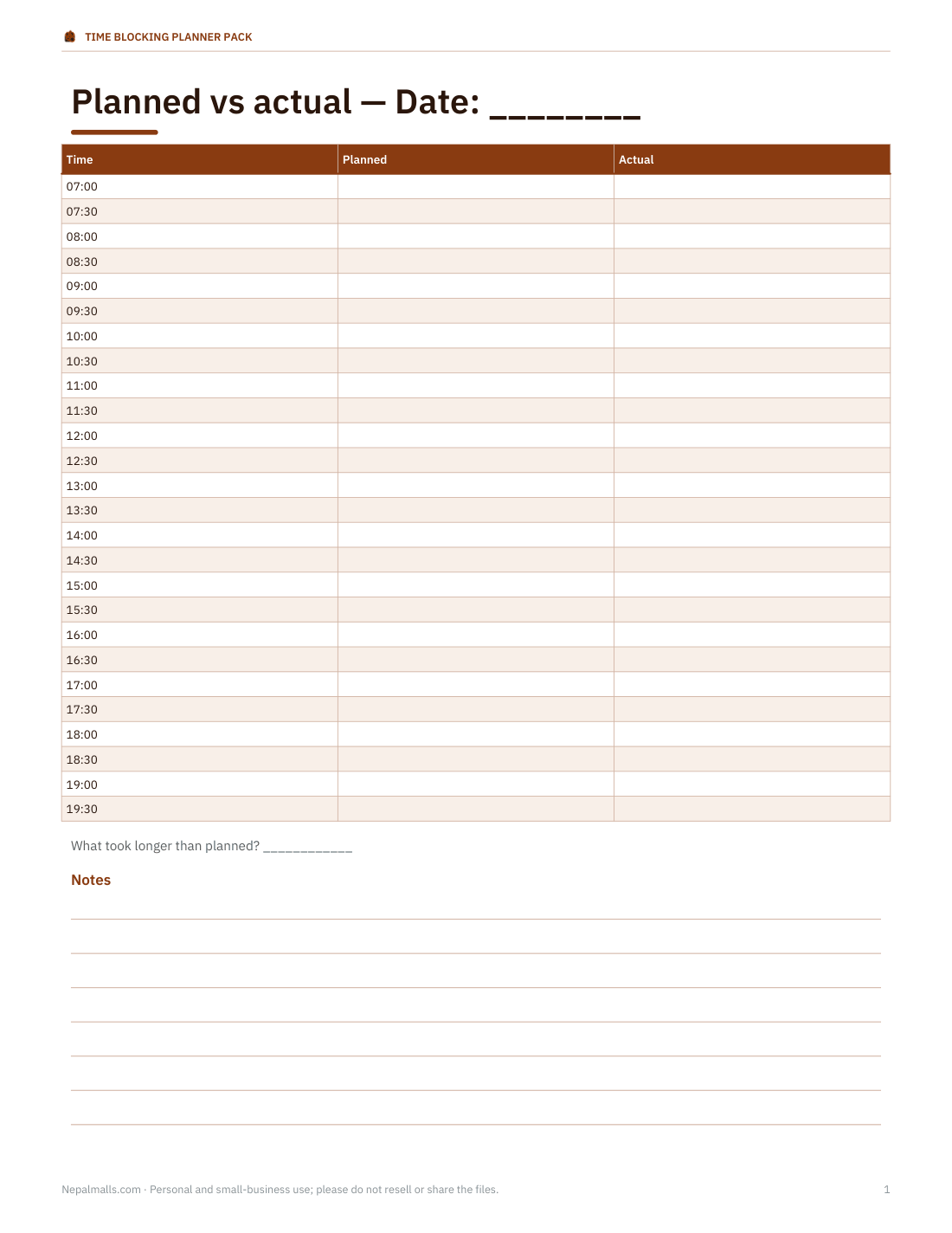
| Planned vs actual | Two columns side by side | Finding out where time really goes |
| Weekly review | Wins, lessons, next week’s big rocks | Friday or Sunday planning |
| Excel planner | Blocks with categories and automatic hour totals | Tracking balance across work, study and life |
How time blocking works
- List what must happen today, and pick your top three priorities.
- Block your most important work first, at the time of day you focus best.
- Group small tasks — email, calls, admin — into one or two short blocks.
- Add breaks, meals and travel so the plan is realistic.
- Leave a buffer block or two for things that run over.
- When the plan breaks, re-block the rest of the day rather than abandoning it.
Colour categories
| Colour | Category | Examples |
|---|---|---|
| Blue | Deep work / study | Writing, coding, revision, design |
| Green | Meetings and calls | Team meetings, client calls |
| Yellow | Admin | Email, invoices, scheduling |
| Orange | Personal and family | School run, appointments, chores |
| Purple | Health | Exercise, walks, meals |
| Grey | Buffer / travel | Commute, overrun, transitions |
Use any colours you like — the key at the top of each sheet keeps them consistent from day to day.
Worked example: a work-from-home day
| Time | Block |
|---|---|
| 08:00–08:30 | Plan the day, review priorities |
| 08:30–10:30 | Deep work: project report |
| 10:30–11:00 | Break and walk |
| 11:00–11:30 | Email and messages |
| 11:30–12:30 | Team meeting |
| 12:30–13:15 | Lunch |
| 13:15–15:00 | Deep work: data analysis |
| 15:00–15:30 | Admin: invoices, scheduling |
| 15:30–16:30 | Calls |
| 16:30–17:00 | Buffer and shutdown: plan tomorrow |
That day contains about 3¾ hours of deep work, 2 hours of meetings and calls, 1 hour of email and admin, and deliberate breaks — the Excel planner would total those categories automatically.
Planned vs actual
For one week, write your plan in the left column and what actually happened in the right. Most people discover that tasks take longer than planned, that interruptions cluster at certain times, and that some blocks are always skipped. Adjust future plans with that knowledge — for example, planning 90-minute deep work blocks instead of 2-hour ones, or moving email to after lunch.
Tips that make it stick
- Plan tomorrow at the end of today — it takes five minutes and makes mornings easier.
- Protect one or two deep work blocks a day as if they were meetings.
- Keep blocks realistic: most people can focus well for 60–90 minutes at a stretch.
- Batch shallow tasks so they don’t fragment the day.
- Review weekly and move unfinished priorities forward deliberately.
For students
Block lectures and classes first, then study sessions for each subject, with review blocks before tests. Short, regular study blocks spread over the week are generally more effective than a few long cramming sessions. The weekly template makes the pattern easy to see.
Formats and printing
Planners print on US Letter and A4 as PDFs and editable Word files; the Excel planner opens in Excel and Google Sheets.
AI-assisted content
Templates were drafted with AI assistance and reviewed before publishing.
Frequently asked questions
What is time blocking?
Scheduling your day in blocks of time, each assigned to a specific task or type of work.
How long should a time block be?
Often 30–90 minutes; deep work blocks of 60–90 minutes suit many people.
What if my plan falls apart?
Re-block the rest of the day; the plan is a guide, not a contract.
Is there a weekly version?
Yes, a seven-day hourly grid.
Does the Excel planner total hours?
Yes, by category.
Is this a subscription?
No, it is a one-time download.